

Here is a selection of 10 travel apps available in a free version (or with enough free access to travel with complete peace of mind): TravelSpend for budgeting, Skyscanner for flights, a range of options for accommodation, XE for currencies, Google Translate for the language barrier, WiFi Map to stay connected without overspending, Maps.me and Google Maps in offline mode, Flush for public toilets, RefillMyBottle for drinking water and the SAS Survival Guide for adventurers.
1. TravelSpend: keep your travel budget under control in real time

Managing money on the road is often where everything starts to unravel. TravelSpend lets you log every expense in the local currency and converts it automatically into your home currency. The result: you know in real time exactly how much you have left, with no hassle and no rough-and-ready spreadsheets.
The free version covers one trip at a time, which is more than enough for most holidays. It also offers group expense splitting synced in real time, plus a CSV export at the end of your stay.
If you are planning a long trip or a round-the-world journey, our guide How to plan a round-the-world trip: every step you need covers everything you need to frame your overall budget from the outset.
Insure my trip with Yupwego2. Skyscanner: compare flights in seconds

Before anything else, you need to get somewhere. Skyscanner aggregates fares from hundreds of airlines, including budget carriers that often slip through the net on other comparison sites. The “Whole Month” feature is particularly handy for flexible travellers: it shows at a glance the cheapest days of the month.
The app is completely free and redirects to the airline’s own website to complete the booking, with no added fees.
3. Airbnb, Booking.com, Hostelworld: find accommodation to match your travel style

There is no single best accommodation app: it all depends on your travel style. Taking the time to compare your options can make a noticeable difference to your overall trip budget.
Holiday rentals and alternatives:
- Airbnb for entire flats or rooms with locals.
- Couchsurfing and BeWelcome for free community hosting.
- HomeExchange for house swaps between private individuals.
Hotels and traditional accommodation:
- Booking.com for hotels and B&Bs, often with free cancellation included.
- Hostelworld for hostels, with detailed ratings on atmosphere, cleanliness, staff and location.
4. XE Currency: convert currencies at a glance

No more reaching for a calculator at the market or in a shop. XE displays real-time exchange rates for over 130 currencies and works offline too, using the last synced rates. It is also handy for checking whether the rate offered at a local bureau de change is fair before you hand over any cash.
5. Google Translate and DeepL: break down the language barrier

Google Translate supports over 130 languages and offers downloadable language packs for offline use, which is essential in rural areas or anywhere with patchy coverage. The camera function translates signs, menus and shop fronts in real time.
DeepL often delivers higher-quality translations for European languages, but is less suited to visual translation on the go.
6. WiFi Map: find a free connection anywhere in the world
Keeping mobile data usage in check is often a priority when travelling, especially outside Europe where roaming charges can add up fast. WiFi Map lists millions of hotspots around the world, with passwords shared by the community. The map can be browsed offline once downloaded.
Handy for making a video call, sending photos or running a data-hungry app without eating into your mobile allowance.
7. Maps.me and Google Maps: navigate without a signal
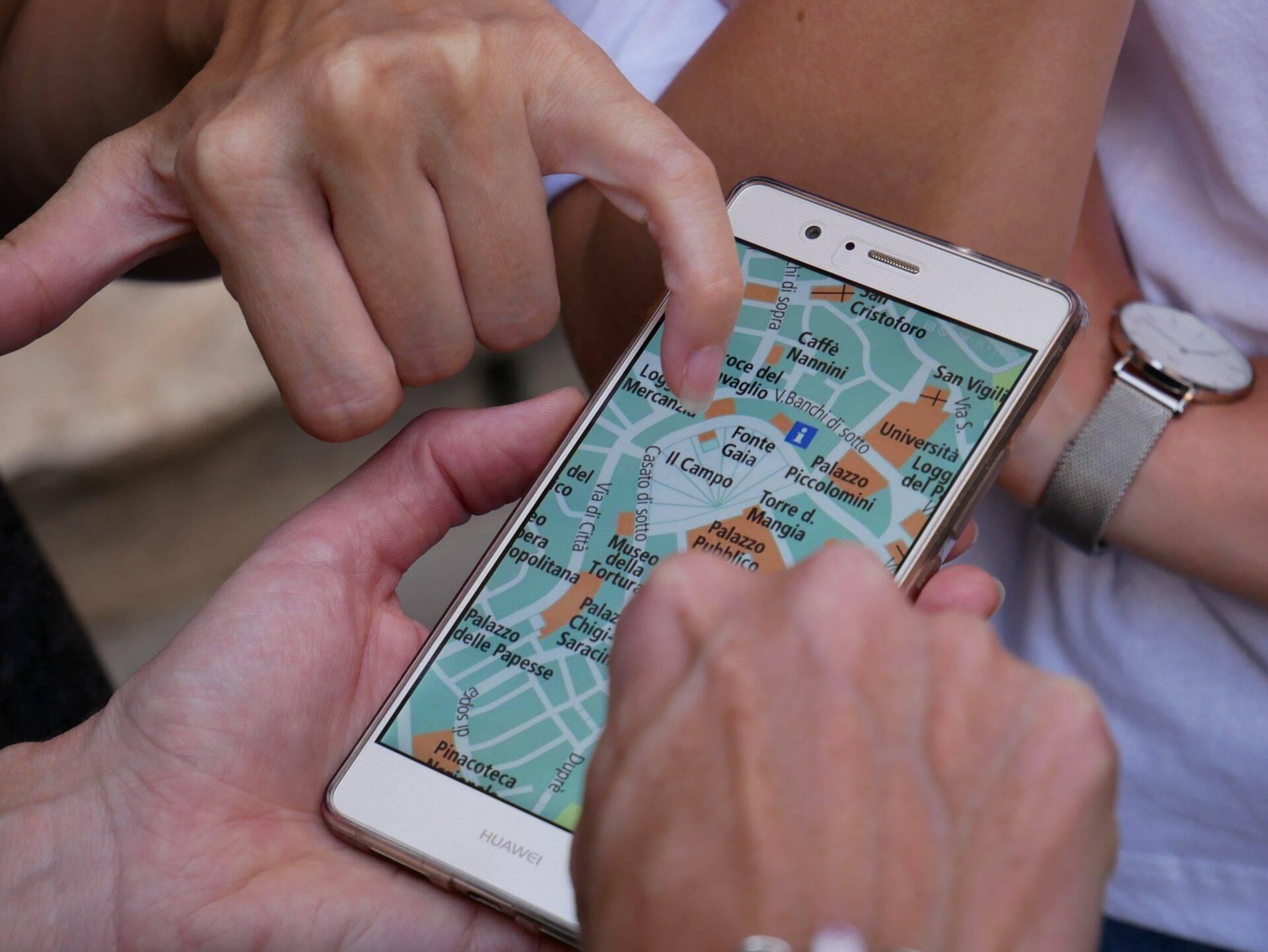
Maps.me draws on OpenStreetMap data to offer highly detailed offline maps, including in less-visited regions and along hiking trails. It is the go-to option for travellers venturing beyond the major cities.
Google Maps remains the safe bet in urban areas: real-time public transport, walking directions, opening hours. Its maps can also be downloaded offline for a defined geographic area.
8. Flush: find public toilets in a hurry

It might raise a smile, but when you are travelling, tracking down a clean public toilet can quickly become an emergency. Flush lists thousands of public toilets around the world, with user reviews on accessibility and condition. Particularly useful in countries where public facilities are poorly signposted or hard to find.
9. RefillMyBottle: free drinking water and zero plastic waste

Buying a plastic bottle at every stop is both expensive and wasteful. RefillMyBottle locates the nearest water refill stations: cafes, restaurants, public fountains and partner shops that are happy to top up your reusable bottle. An eco-friendly approach that works just as well for hikers as for city travellers.
10. SAS Survival Guide: a survival manual in your pocket

For those who venture off the beaten track, this app can genuinely make a difference. Based on the guide by John “Lofty” Wiseman, a former member of the British Special Air Service (SAS), it brings together hundreds of survival tips for every environment: forest, desert, mountain, water and urban settings.
A free Lite version is available on iOS to try out the content before buying the full version (around £5). The full version works entirely offline.
FAQ
Which free app is best for managing your travel budget?
TravelSpend is currently one of the leading apps for tracking travel spending. It lets you log expenses in any currency and converts them automatically into your home currency. The free version covers one trip at a time, which is sufficient for most stays.
How do you use Google Maps offline?
In Google Maps, search for a city or area, tap its name at the bottom of the screen, then tap “Download”. Once the map is saved, navigation works without a connection for walking, driving and cycling routes. Updating the data requires a WiFi or mobile connection.
Which app lets you translate without an internet connection?
Google Translate allows you to download “language packs” for offline use. In the app settings, select a language and then download the corresponding pack. The camera translation feature may be limited offline depending on the language chosen.
What is the best offline maps app for remote areas?
Maps.me, based on OpenStreetMap, is particularly recommended for remote regions and hiking trails, which are often better mapped than on Google Maps. It is completely free and available on iOS and Android.
How do you find free WiFi abroad?
WiFi Map lists millions of WiFi access points around the world with community-shared passwords. The map works offline once downloaded. In addition, cafes, libraries, shopping centres and some public transport services often offer free access.